


I’ve tried many different matcha products, and this premium matcha is by far my favorite. The flavor is smooth, rich, and well-balanced, with no bitterness. You can really taste the quality in every cup, making it worth coming back to again and again.
Hi Suraya, thank you so much for your wonderful words! We're thrilled to hear you enjoy our matcha and appreciate your support. Looking forward to your next visit!
S
Matcha Tiramisu This creamy matcha tiramisu looks amazing and tastes even better. Rich, smooth, and full of flavor. Delicious down to the last crumb.
A
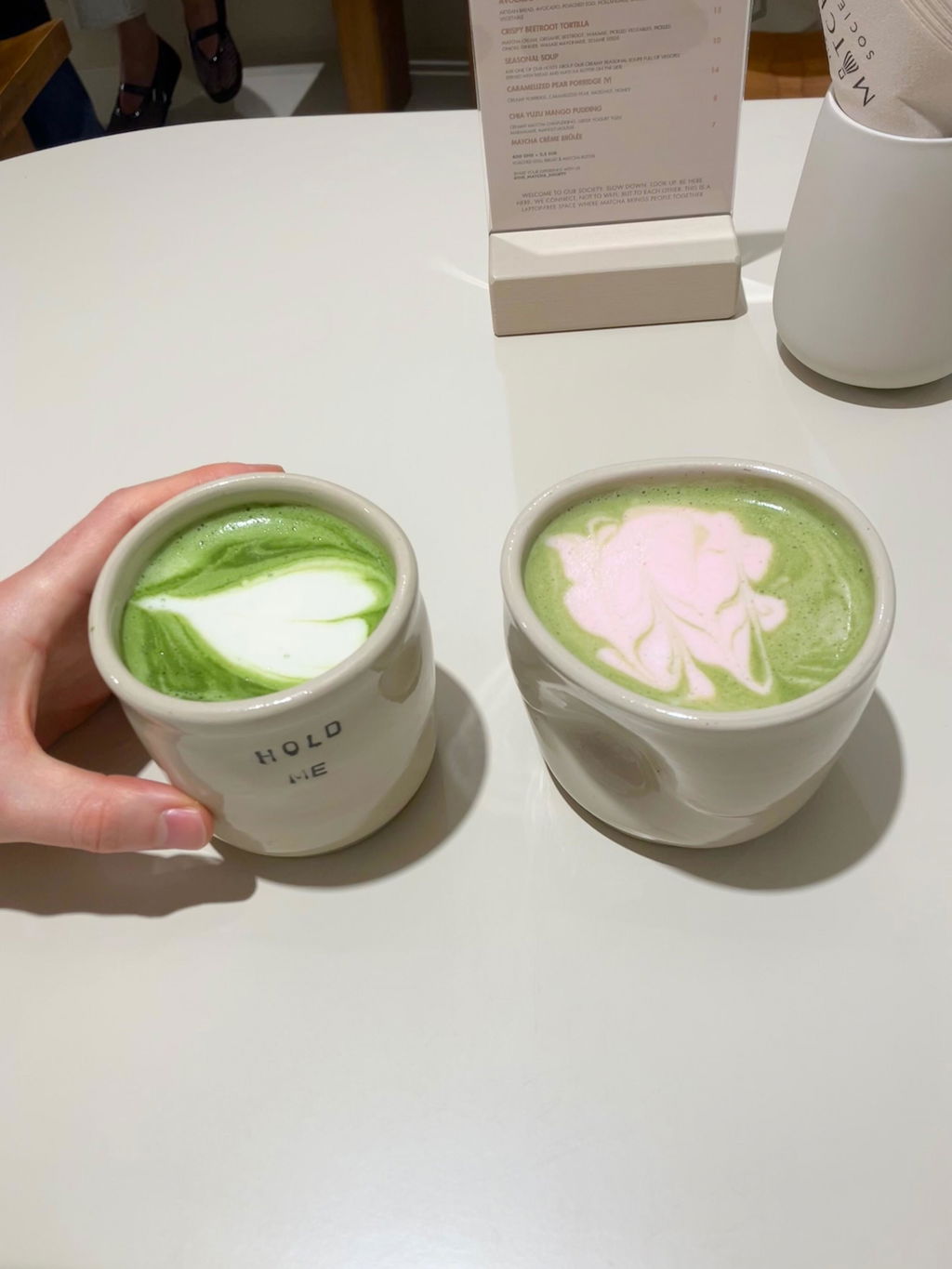
Matcha Latte amazing matcha as always :)
A
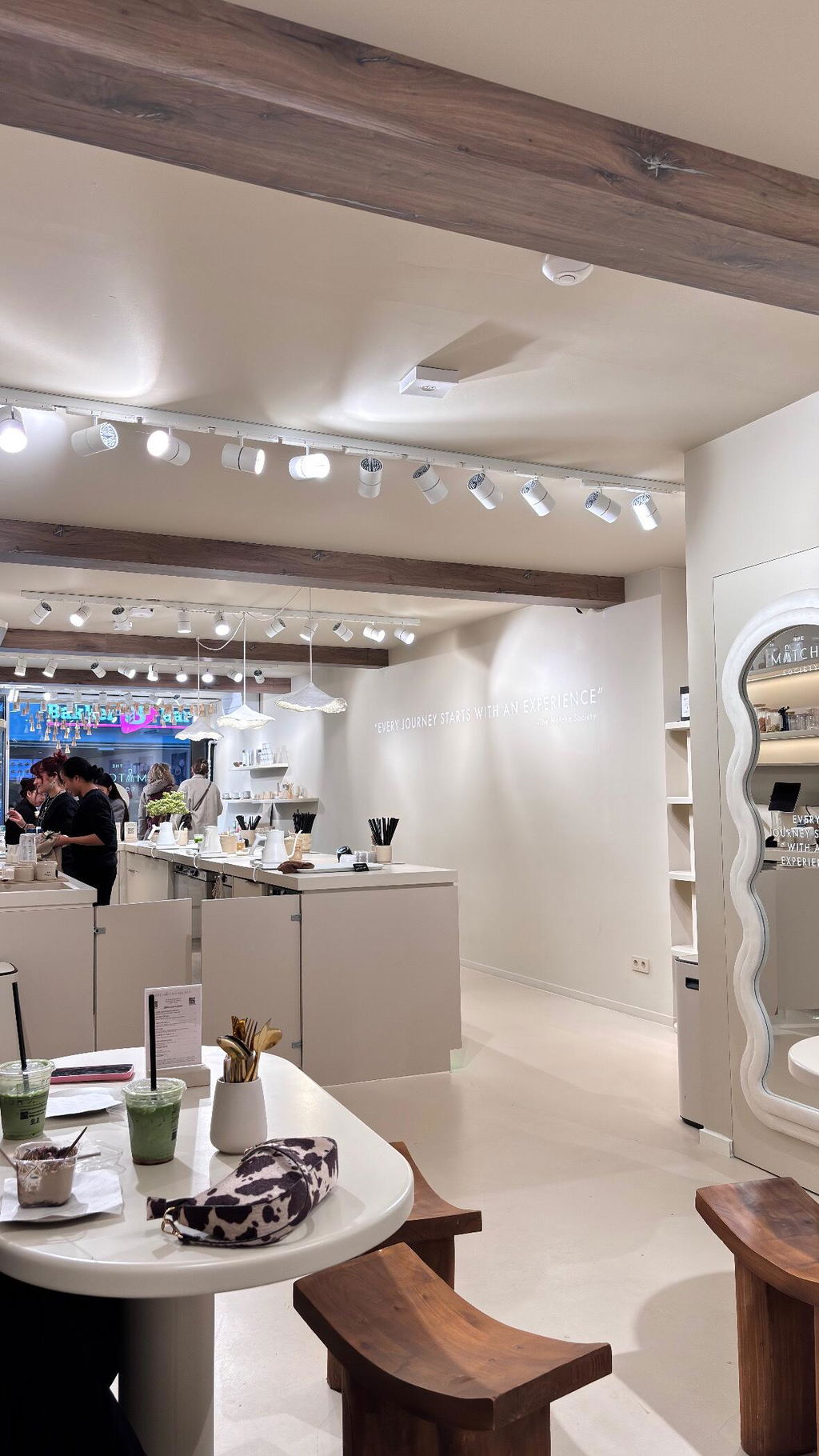
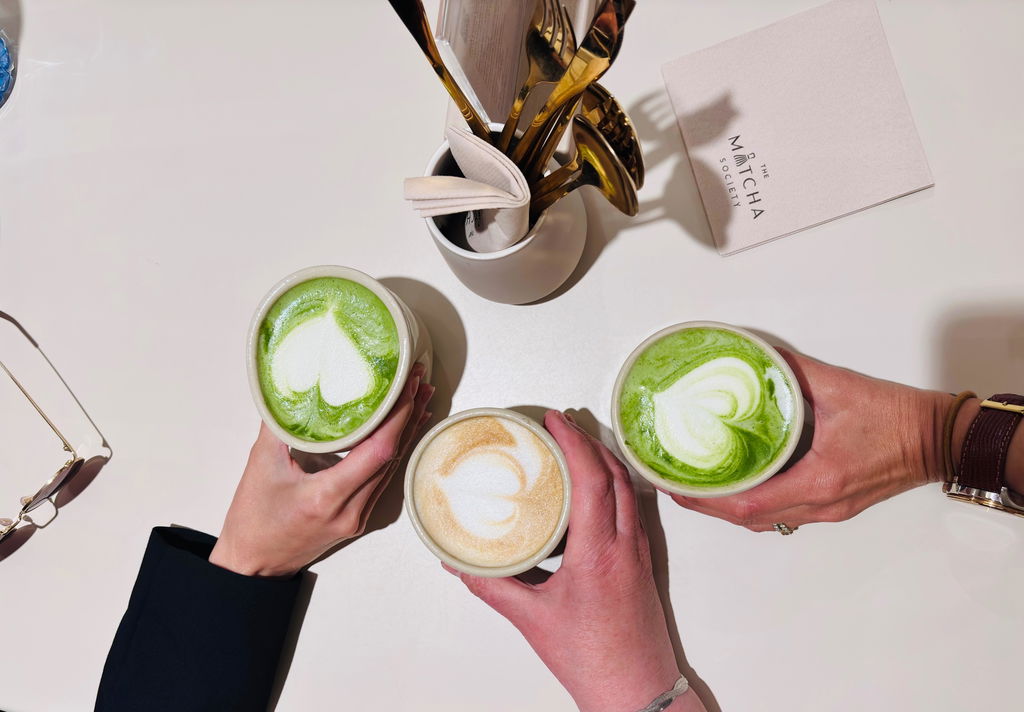
Lavender CBD Matcha The place impressed me, the matcha was amazing, and the service 👍

A
Matcha Strawberry Lekkere matcha en goed geholpen door werkers